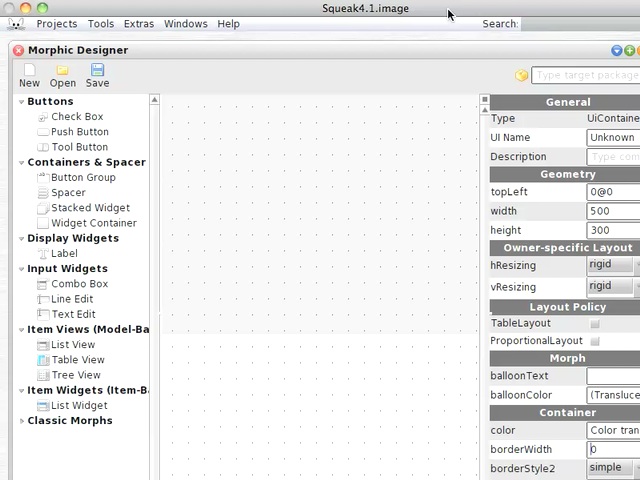
Today's Smalltalk 4 You uses the morphic UI designer for Squeak to build a simple UI. If you have trouble viewing it here in the browser, you can also navigate directly to YouTube. To watch now, click on the image below:
If you have trouble viewing that directly, you can click here to download the video directly. If you need the video in a Windows Media format, then download that here.
Today's Smalltalk 4 You takes a look at the new UI designer for Squeak (Morphic) from the Uni Potsdam guys. If you have trouble viewing it here in the browser, you can also navigate directly to YouTube. To watch now, click on the image below:
If you have trouble viewing that directly, you can click here to download the video directly. If you need the video in a Windows Media format, then download that here.
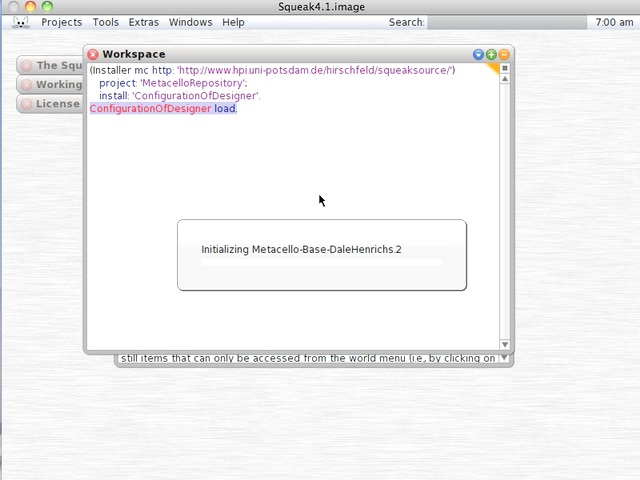
In the video, this is the code I used to load the designer:
(Installer mc http: 'http://www.hpi.uni-potsdam.de/hirschfeld/squeaksource/')
   project: 'MetacelloRepository';
   install: 'ConfigurationOfDesigner'.
ConfigurationOfDesigner load.
If you have trouble viewing that directly, you can click here to download the video directly. If you need the video in a Windows Media format, then download that here.
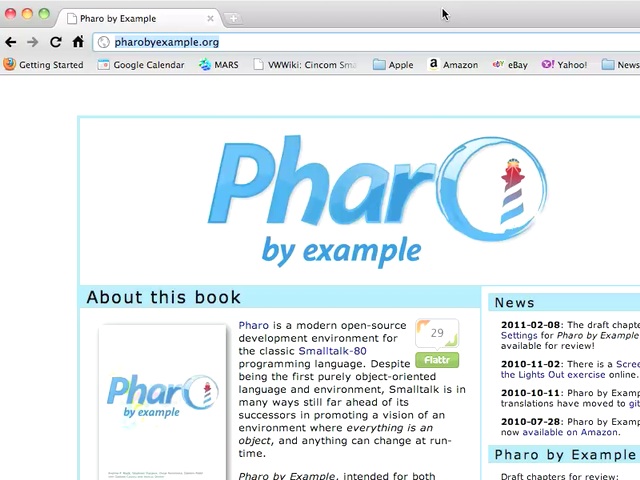
Today's Smalltalk 4 You takes a pass by "Pharo by Example" - a great way to learn Smalltalk using Pharo if you prefer printed material. You can get the pdf free, or buy the book from Amazon or Lulu.. If you have trouble viewing it here in the browser, you can also navigate directly to YouTube. To watch now, click on the image below:
If you have trouble viewing that directly, you can click here to download the video directly. If you need the video in a Windows Media format, then download that here.
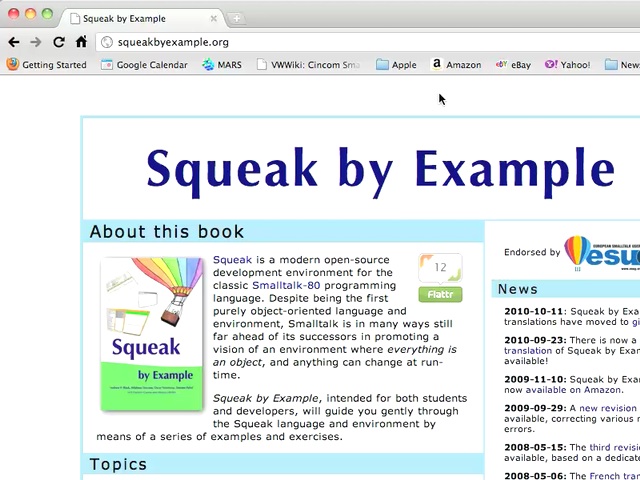
Today's Smalltalk 4 You takes a pass by "Squeak by Example" - a great way to learn Smalltalk using Squeak if you prefer printed material. You can get the pdf free, or buy the book from Amazon or Lulu.. If you have trouble viewing it here in the browser, you can also navigate directly to YouTube. To watch now, click on the image below:
If you have trouble viewing that directly, you can click here to download the video directly. If you need the video in a Windows Media format, then download that here.
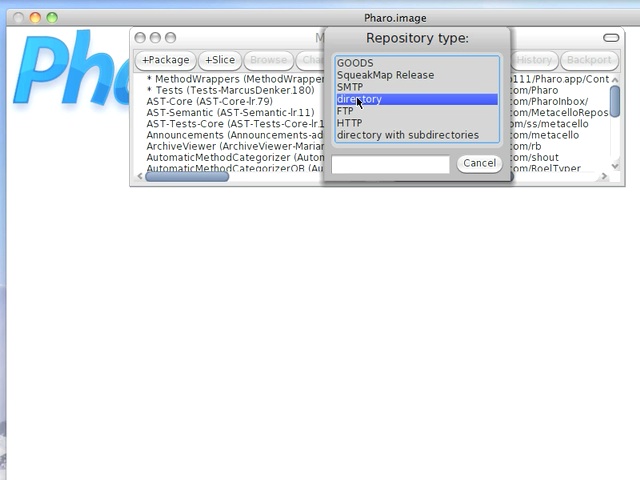
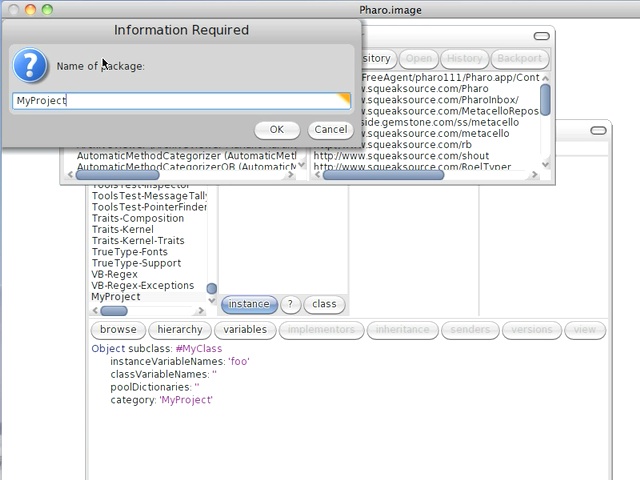
Today's Smalltalk 4 You continues with Monticello - today we start a fresh image and load the code we worked on last time. If you have trouble viewing it here in the browser, you can also navigate directly to YouTube. To watch now, click on the image below:
If you have trouble viewing that directly, you can click here to download the video directly. If you need the video in a Windows Media format, then download that here.
We'll look at loading your code into a fresh image in the next screencast. If you have trouble viewing it here in the browser, you can also navigate directly to YouTube. To watch now, click on the image below:
If you have trouble viewing that directly, you can click here to download the video directly. If you need the video in a Windows Media format, then download that here.
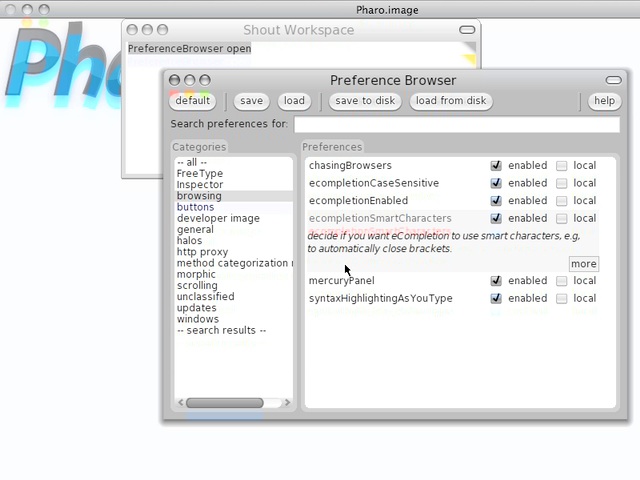
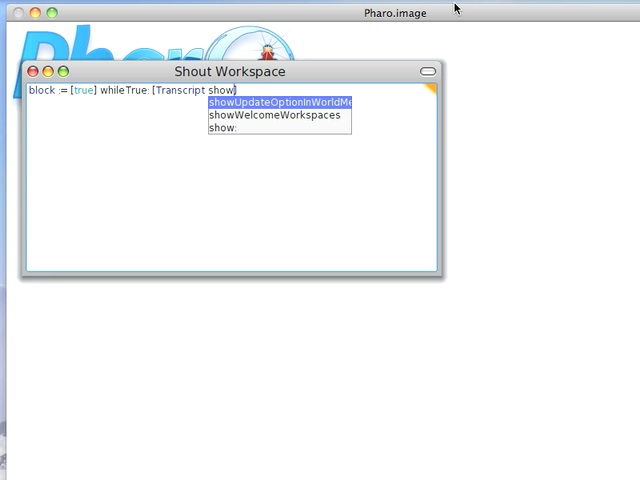
Today's Smalltalk 4 You takes a another look at Autocompletion in Pharo - you can modify the way it behaves based on a few simple preference options. If you have trouble viewing it here in the browser, you can also navigate directly to YouTube. To watch now, click on the image below:
If you have trouble viewing that directly, you can click here to download the video directly. If you need the video in a Windows Media format, then download that here.
Today's Smalltalk 4 You takes a look at autocompletion in Pharo. If you have trouble viewing it here in the browser, you can also navigate directly to YouTube. To watch now, click on the image below:
If you have trouble viewing that directly, you can click here to download the video directly. If you need the video in a Windows Media format, then download that here.
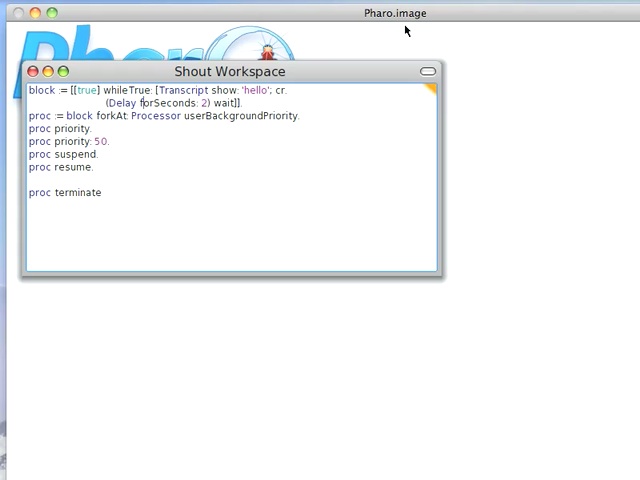
Today's Smalltalk 4 You takes a look at the process model in Smalltalk. While the screencast uses Pharo, the same principles apply across at least Squeak, Pharo, Cuis, and VisualWorks. If you have trouble viewing it here in the browser, you can also navigate directly to YouTube. To watch now, click on the image below:
If you have trouble viewing that directly, you can click here to download the video directly. If you need the video in a Windows Media format, then download that here.