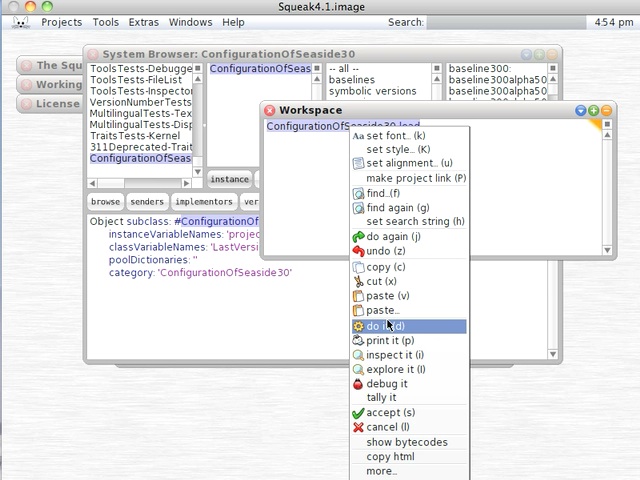
Today's Smalltalk 4 You looks at starting the Seaside server up in a Squeak 41 image after having loaded it from scratch. If you have trouble viewing it here in the browser, you can also navigate directly to YouTube. To watch now, click on the image below:
If you have trouble viewing that directly, you can click here to download the video directly. If you need the video in a Windows Media format, then download that here.
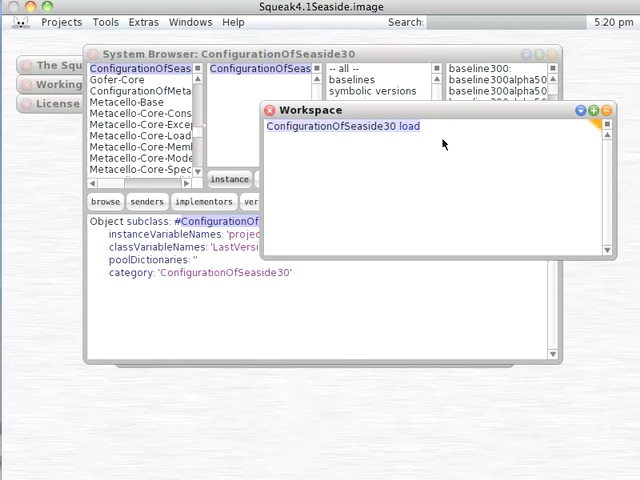
Today's Smalltalk 4 You looks at loading Seaside into a base Squeak image using Metacello configurations. If you have trouble viewing it here in the browser, you can also navigate directly to YouTube. To watch now, click on the image below:
If you have trouble viewing that directly, you can click here to download the video directly. If you need the video in a Windows Media format, then download that here.
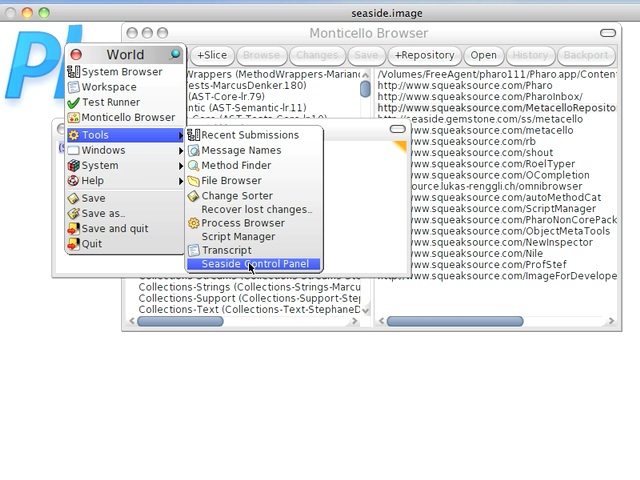
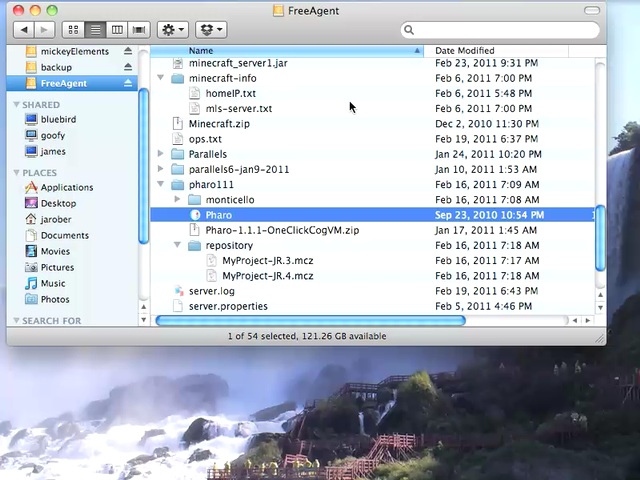
Today's Smalltalk 4 You looks at running an image you saved after starting up a "one click" pharo image. Previously, we built a Seaside image for Pharo from scratch. Today we look at starting up the Seaside server in that image. If you have trouble viewing it here in the browser, you can also navigate directly to YouTube. To watch now, click on the image below:
If you have trouble viewing that directly, you can click here to download the video directly. If you need the video in a Windows Media format, then download that here.
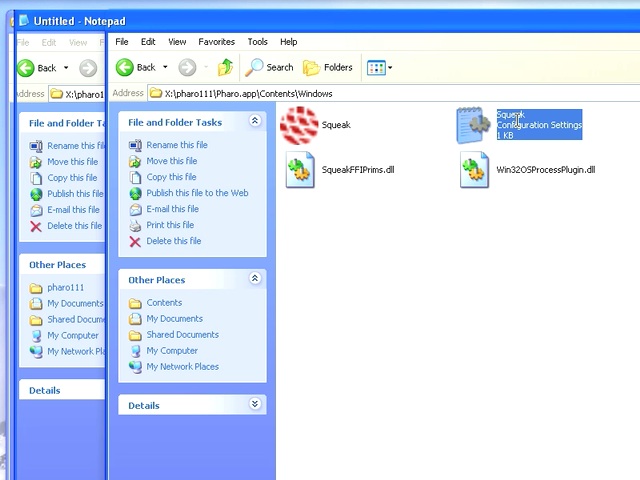
Today's Smalltalk 4 You looks at running an image you saved after starting up a "one click" pharo image. In the last video, we did that on a Mac; today, we do the same thing on Windows. If you have trouble viewing it here in the browser, you can also navigate directly to YouTube. To watch now, click on the image below:
If you have trouble viewing that directly, you can click here to download the video directly. If you need the video in a Windows Media format, then download that here.
Today's Smalltalk 4 You looks at running an image you saved after starting up a "one click" pharo image. If you have trouble viewing it here in the browser, you can also navigate directly to YouTube. To watch now, click on the image below:
If you have trouble viewing that directly, you can click here to download the video directly. If you need the video in a Windows Media format, then download that here.
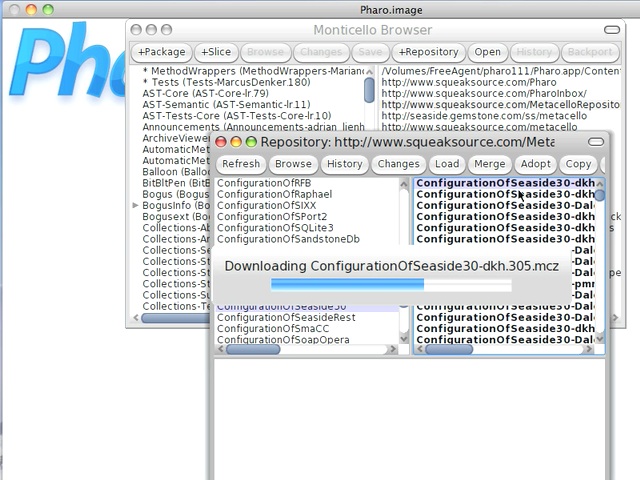
Today's Smalltalk 4 You looks at loading Seaside into a base Pharo image from scratch, using Monticello. If you have trouble viewing it here in the browser, you can also navigate directly to YouTube. To watch now, click on the image below:
If you have trouble viewing that directly, you can click here to download the video directly. If you need the video in a Windows Media format, then download that here.
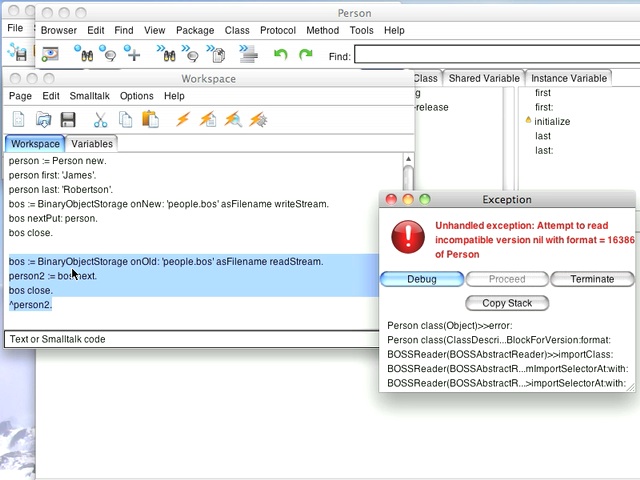
Today's Smalltalk 4 You looks at versioning objects when you use BOSS in VisualWorks. If you have trouble viewing it here in the browser, you can also navigate directly to YouTube.
The code used in the screencast for BOSS is below:
person := Person new.
person first: 'James'.
person last: 'Robertson'.
bos := BinaryObjectStorage onNew: 'people.bos' asFilename writeStream.
bos nextPut: person.
bos close.

bos := BinaryObjectStorage onOld: 'people.bos' asFilename readStream.
person2 := bos next.
bos close.
^person2.
To watch now, click on the image below:
If you have trouble viewing that directly, you can click here to download the video directly. If you need the video in a Windows Media format, then download that here.
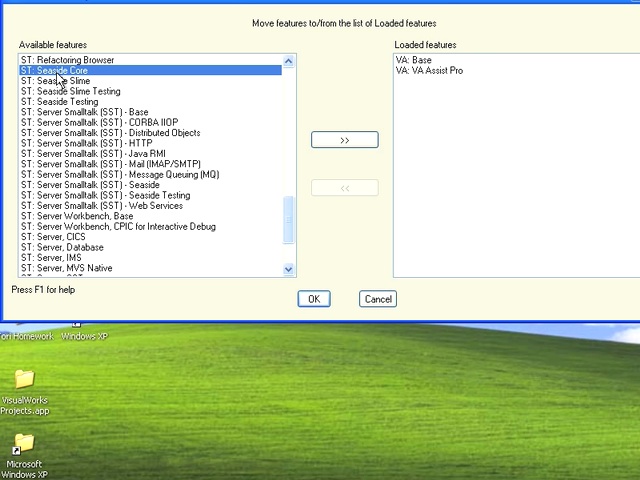
Today's Smalltalk 4 You looks at VA Smalltalk - how do you load Seaside support and get started with it? If you have trouble viewing it here in the browser, you can also navigate directly to YouTube. To watch now, click on the image below:
If you have trouble viewing that directly, you can click here to download the video directly. If you need the video in a Windows Media format, then download that here.
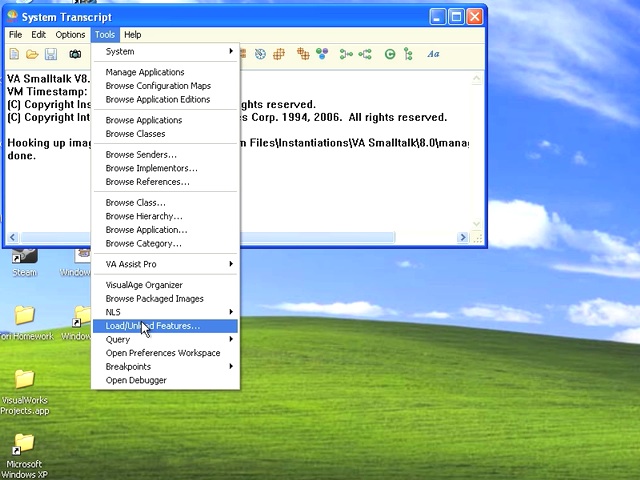
Today's Smalltalk 4 You looks at VA Smalltalk - how do you load the various libraries that it ships with into the image? If you have trouble viewing it here in the browser, you can also navigate directly to YouTube. To watch now, click on the image below:
If you have trouble viewing that directly, you can click here to download the video directly. If you need the video in a Windows Media format, then download that here.
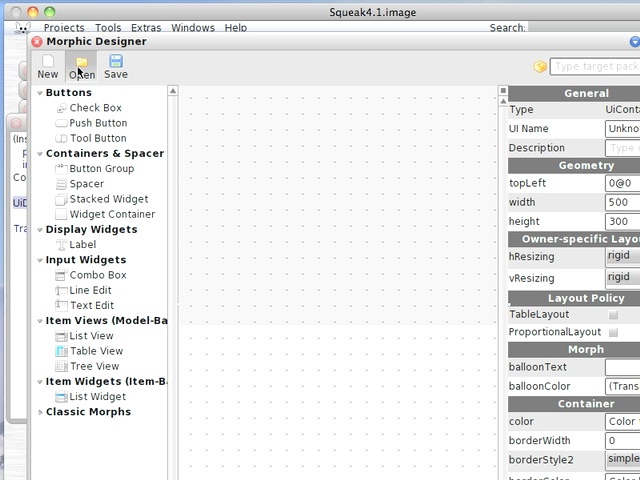
Today's Smalltalk 4 You continues with the morphic designer for Squeak - how do you reopen (for editing) a GUI you've already created? If you have trouble viewing it here in the browser, you can also navigate directly to YouTube. To watch now, click on the image below:
If you have trouble viewing that directly, you can click here to download the video directly. If you need the video in a Windows Media format, then download that here.